Install on your device
Take the academy with you.
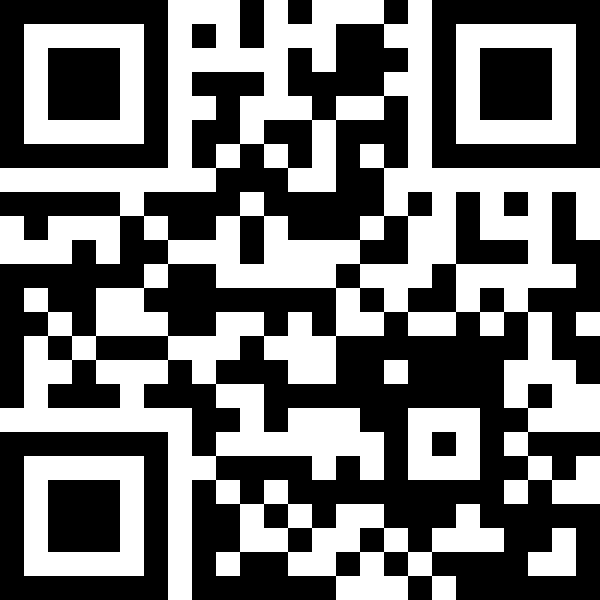
Scan the QR code with your phone or tablet camera, then add ChessAcademy.AI to your home screen. The app opens full-screen, just like a native app, no app store, no download, no account roadblock.
On iPhone or iPad
Safari
- Open the Camera app and point it at the QR code.
- Tap the notification that appears to open the site in Safari.
- Tap the Share icon (the square with an arrow) at the bottom of Safari.
- Choose Add to Home Screen, then tap Add.
On Android
Chrome
- Open the Camera app (or Google Lens) and aim at the QR code.
- Tap the link to open the site in Chrome.
- Tap the ⋮ menu in the top-right of Chrome.
- Choose Add to Home screen (or Install app), then confirm.
On a laptop or desktop
Any browser
You don't need the QR, just bookmark or pin the tab. In Chrome / Edge you can also use Menu → Cast, save, and share → Install page as app to get a standalone window.
Tip: print this QR and stick it on a notice board, anyone can scan and join the academy in under thirty seconds.